Convert STP to DAE Online
Convert STEP (Standard for the Exchange of Product Data) files to COLLADA Digital Asset Exchange (DAE), entirely in your browser. No upload, no sign-up. Your files never leave your device.
Drop your STP file here
or click to browse from your computer (up to 100 MB)
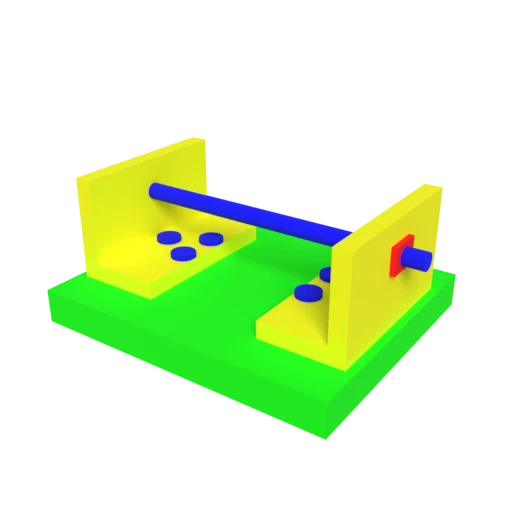
CAD bracket assembly — typical STEP engineering model for format conversion testing.
STEP files use the EXPRESS data modeling language (ISO 10303-11) to define precise BREP surfaces for manufacturing. Converting to DAE tessellates those surfaces into polygonal meshes for Blender, Maya, SketchUp, and other DCC tools.
STEP models carry manufacturing metadata but typically no visual material or texture data. DAE adds Phong, Lambert, and Blinn shading profiles with texture references for realistic rendering of engineering models.
STEP assembly structures defined via ISO 10303 are mapped to COLLADA's XML node hierarchy, preserving part relationships and transforms in a format that DCC tools can manipulate directly.
Also convert from STP
Other ways to get DAE
How to Convert STP to DAE
Convert CAD engineering STEP files to COLLADA DAE for visualization and DCC tool workflows.
Upload STP
Drag and drop or select your .stp or .step file. STEP is an ISO standard format used by SolidWorks, Fusion 360, CATIA, and other CAD applications.
Processing
Conversion runs entirely in your browser. BREP geometry is tessellated into polygonal meshes using WASM-based OCCT and written as COLLADA XML with assembly hierarchy preserved. Your data never leaves your device.
Download ZIP
Get a ZIP archive containing the .dae XML file. Import the .dae into Blender, Maya, SketchUp, or any COLLADA-compatible tool for rendering, animation, or further editing.
Why convert STP to DAE?
STEP (ISO 10303-21) is the international standard for exchanging product model data between CAD systems. It uses the EXPRESS data modeling language to describe precise BREP (boundary representation) geometry, assembly structures, tolerances, and manufacturing metadata. SolidWorks, Fusion 360, CATIA, and NX all read and write STEP files. However, STEP's mathematical surface definitions are not directly renderable and must be tessellated into polygonal meshes before any visual application can display them.
COLLADA (Collaborative Design Activity) is an XML-based open standard originally created by Sony and now maintained by the Khronos Group for asset interchange between DCC tools. It stores tessellated geometry, shading profiles (Phong, Lambert, Blinn), UV-mapped textures, scene hierarchy, cameras, lights, physics, and animation. Converting STEP to DAE tessellates precise CAD surfaces into renderable meshes while preserving assembly structure, bridging the gap between engineering design and creative visualization.
Key advantages of DAE over STP
DAE stores tessellated polygonal geometry that 3D viewers and renderers display directly, unlike STEP's mathematical BREP surfaces.
COLLADA adds Phong/Lambert/Blinn shading profiles with UV-mapped textures that STEP's data model does not include.
Blender, Maya, 3ds Max, SketchUp, and Cinema 4D import DAE natively, while STEP needs specialized CAD importers.
DAE supports skeletal rigs, keyframe animation, and kinematics, enabling motion on converted engineering models.
Unity, Godot, and other engines import COLLADA directly, making engineering geometry usable in interactive applications.