Convert GLB to DAE Online
Convert GL Transmission Format Binary (GLB) files to COLLADA Digital Asset Exchange (DAE), entirely in your browser. No upload, no sign-up. Your files never leave your device.
Drop your GLB file here
or click to browse from your computer (up to 100 MB)
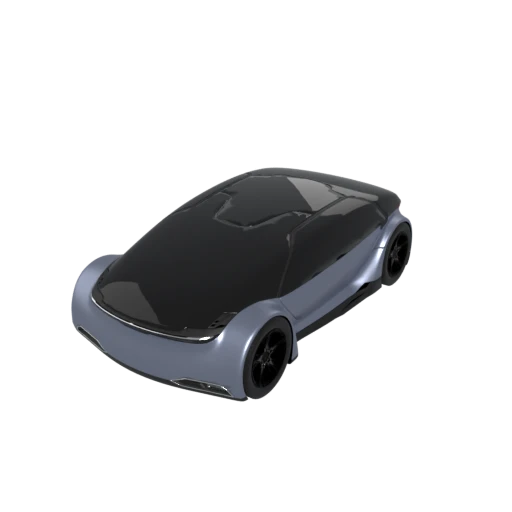
Detailed car model with PBR materials and textures.
GLB relies on PBR metallic roughness materials. DAE uses Phong, Lambert, and Blinn shading that traditional renderers and older DCC applications understand natively.
COLLADA can represent cameras, lights, physics, and kinematics alongside geometry. These capabilities go beyond what the glTF 2.0 core specification supports.
Blender, Maya, 3ds Max, SketchUp, and Cinema 4D all import COLLADA without plugins. Converting GLB to DAE connects web optimized assets to professional modeling pipelines.
Also convert from GLB
Other ways to get DAE
How to Convert GLB to DAE
Drop your GLB file and get a COLLADA DAE archive with textures in seconds.
Upload GLB
Drag and drop or select your .glb file. GLB is a self-contained binary format so a single file is all you need.
Processing
Conversion runs entirely in your browser. Geometry, materials, and textures are extracted and written as COLLADA XML with accompanying texture images. Your data never leaves your device.
Download ZIP
Get a ZIP archive containing the .dae XML file and any referenced texture images. Extract the archive and import the .dae file into your preferred 3D application.
Why convert GLB to DAE?
GLB is the binary container for glTF 2.0, a format the Khronos Group designed for efficient real time delivery of 3D content to web browsers, AR viewers, and game engines. It bundles geometry, PBR materials, textures, and animations into a single compact file optimized for GPU consumption. While excellent for rendering, its binary structure and PBR material model can be difficult to work with in traditional content creation tools that expect readable, editable interchange formats.
COLLADA (DAE) is an XML based interchange standard, also governed by the Khronos Group, that was built specifically for moving assets between digital content creation applications. It represents geometry, Phong and Lambert materials, animations, cameras, lights, and full scene hierarchy in structured, human readable XML. Blender, Maya, 3ds Max, SketchUp, and Cinema 4D all import COLLADA natively. Converting GLB to DAE makes web ready assets accessible to professional modeling and animation workflows without proprietary plugins or SDK dependencies.
Key advantages of DAE over GLB
DAE files are plain XML you can open, search, and edit in any text editor, unlike GLB's opaque binary format.
Blender, Maya, 3ds Max, SketchUp, and Cinema 4D all load COLLADA without requiring additional plugins.
COLLADA can store physics properties and kinematic chains that have no equivalent in the glTF 2.0 core specification.
DAE files conform to a published XML schema, allowing automated validation that catches structural errors before import.
Standard XML tools like XSLT, XPath, and DOM parsers can process DAE files for automated asset transformation workflows.