Convert STP to OBJ Online
Convert STEP (Standard for the Exchange of Product Data) files to Wavefront OBJ, entirely in your browser. No upload, no sign-up. Your files never leave your device.
Drop your STP file here
or click to browse from your computer (up to 100 MB)
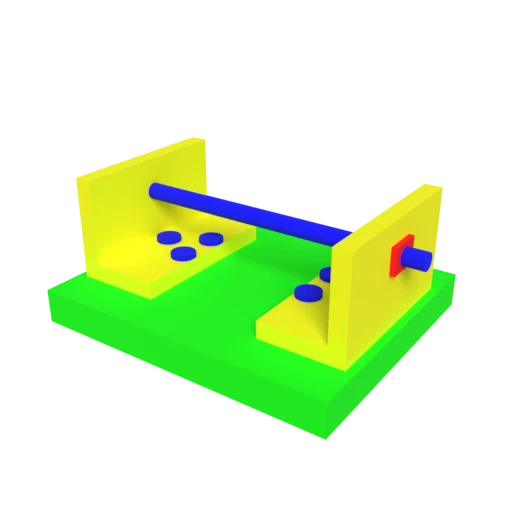
CAD bracket assembly — typical STEP engineering model for format conversion testing.
Transforms STEP's exact B-rep surfaces into triangulated polygon meshes that any 3D modeling tool can import.
OBJ uses human-readable ASCII text, making geometry data easy to parse, inspect, and process with custom scripts.
Many fabrication tools accept OBJ directly. Converting from STEP to OBJ bridges the gap between CAD design and manufacturing workflows.
Also convert from STP
Other ways to get OBJ
How to Convert STP to OBJ
Convert your CAD STEP model to a universally compatible OBJ mesh.
Upload STP
Drag and drop or select your .stp file. STEP is an ISO 10303 standard that stores exact mathematical surfaces used in CAD workflows.
Processing
Conversion runs entirely in your browser. B-rep geometry is tessellated into a triangulated polygon mesh and written to OBJ text format. Your data never leaves your device.
Download OBJ
Get your OBJ file as a ZIP archive with companion material data. The plain text format opens in virtually every 3D application.
Why convert STEP to OBJ?
STEP is the standard interchange format for CAD applications, encoding geometry as exact mathematical surfaces using boundary representation. Engineers use STEP to share precise models between SolidWorks, CATIA, Fusion 360, and other parametric design tools. However, many downstream workflows in visualization, 3D printing, and game development require polygon mesh formats that STEP does not provide. The gap between parametric CAD and polygon modeling creates friction in cross-discipline pipelines.
OBJ is one of the most universally supported mesh formats, using plain ASCII text to define vertices, normals, texture coordinates, and polygon faces. Converting STEP to OBJ tessellates B-rep surfaces into a triangulated mesh that can be imported into virtually any 3D application. The format's simplicity makes it a reliable lowest-common-denominator choice for interoperability between CAD, rendering, simulation, and fabrication tools.
Key advantages of OBJ over STEP
Nearly every 3D application can import OBJ files.
Plain ASCII is easy to parse, inspect, and script against.
Slicing software accepts OBJ directly for additive manufacturing.
OBJ opens in free tools like Blender and MeshLab.
Text-based vertices and faces are trivial to process programmatically.
Optional MTL files define basic surface materials.