Convert STP to PLY Online
Convert STEP (Standard for the Exchange of Product Data) files to Polygon File Format (PLY), entirely in your browser. No upload, no sign-up. Your files never leave your device.
Drop your STP file here
or click to browse from your computer (up to 100 MB)
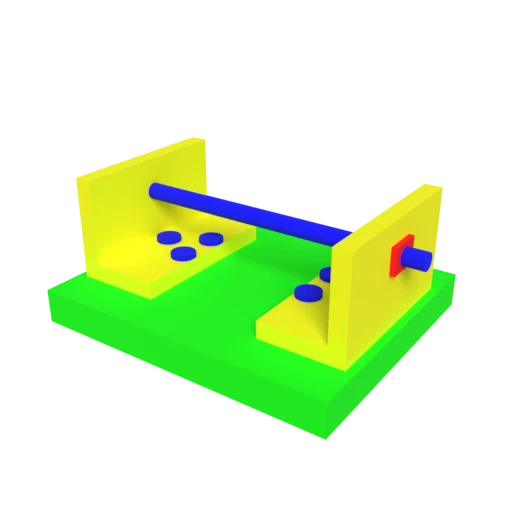
CAD bracket assembly — typical STEP engineering model for format conversion testing.
PLY supports both mesh and point cloud representations, useful for comparing CAD designs against 3D scan data.
PLY stores color data at the vertex level, preserving STEP surface colors directly on the mesh geometry.
PLY is widely used in research and computational geometry tools like MeshLab, CloudCompare, and Open3D.
Also convert from STP
Other ways to get PLY
How to Convert STP to PLY
Convert your CAD STEP file to a PLY mesh for scientific analysis and scan comparison.
Upload STP
Drag and drop or select your .stp file. STEP stores exact CAD geometry using boundary representation as defined by ISO 10303.
Processing
Conversion runs entirely in your browser. B-rep surfaces are tessellated into a triangle mesh with per-vertex attributes preserved. Your data never leaves your device.
Download PLY
Get your PLY file ready for use in MeshLab, CloudCompare, Open3D, or any other geometry processing tool.
Why convert STEP to PLY?
STEP files encode exact geometric surfaces using boundary representation, serving as the standard exchange format between CAD applications. While STEP excels at preserving design intent and manufacturing precision, it is not compatible with the mesh-based workflows used in 3D scanning, point cloud processing, and computational geometry research. Researchers and engineers working with scan data, mesh analysis, or surface reconstruction need formats that store discrete vertex and face data.
PLY (Polygon File Format) was designed at Stanford for storing 3D scan data and supports both polygon meshes and point clouds with per-vertex attributes like color and normals. Converting STEP to PLY tessellates parametric surfaces into a vertex/face mesh with optional per-vertex colors derived from STEP surface properties. The result works directly with MeshLab, CloudCompare, Open3D, and other scientific computing tools used in reverse engineering, quality inspection, and geometric analysis.
Key advantages of PLY over STEP
Color data stored directly on vertices without separate material files.
PLY handles both mesh and point cloud data in one format.
Loads in MeshLab, CloudCompare, Open3D, and MATLAB.
Enables alignment and comparison of CAD geometry against 3D scans.
Choose ASCII for readability or binary for compact storage.
Widely used in academic papers and geometry processing libraries.