Convert 3MF to PLY Online
Convert 3D Manufacturing Format (3MF) files to Polygon File Format (PLY), entirely in your browser. No upload, no sign-up. Your files never leave your device.
Drop your 3MF file here
or click to browse from your computer (up to 100 MB)
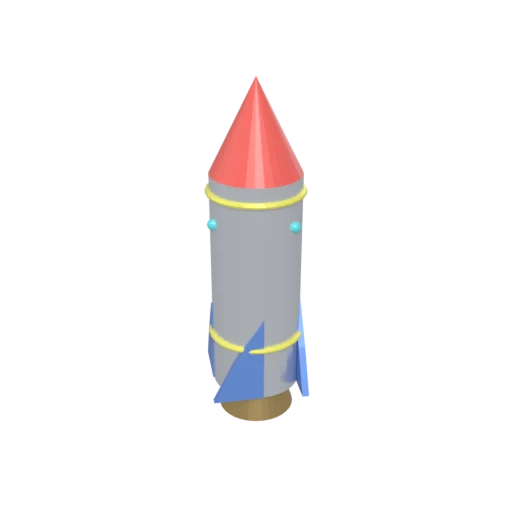
Stylized rocket with metallic body, nose cone, fins, portholes, and exhaust nozzle — multi-material 3MF model for format conversion testing.
PLY is the preferred format for MeshLab, CloudCompare, and computational geometry libraries like PCL, which do not support 3MF input.
PLY's plaintext header declares arbitrary per-vertex and per-face properties, making it extensible for specialized data workflows.
PLY handles both polygon meshes and unstructured point clouds, making it versatile for scanning, photogrammetry, and analysis pipelines.
Also convert from 3MF
Other ways to get PLY
How to Convert 3MF to PLY
Convert 3MF manufacturing models to the science-ready PLY format.
Upload 3MF
Drag and drop or select your .3mf file. 3MF is a ZIP-based archive that stores mesh geometry with optional vertex colors and material groups.
Processing
Conversion runs entirely in your browser. Vertex positions, normals, and face definitions are extracted from the 3MF archive and written as PLY data. Your data never leaves your device.
Download PLY
Get your PLY file ready for use in MeshLab, CloudCompare, PCL, or other scientific visualization and analysis tools.
Why convert 3MF to PLY?
3MF stores mesh geometry along with color groups, material assignments, and print-specific metadata inside a ZIP archive. Scientific visualization and analysis tools like MeshLab, CloudCompare, and the Point Cloud Library (PCL) do not support the 3MF format. Researchers and engineers working with 3D scan data or computational geometry need a format these tools can read directly.
PLY (Polygon File Format), designed at Stanford University, uses a self-describing plaintext header followed by compact binary or ASCII vertex and face data. It is the standard format for 3D scanning, photogrammetry, and computational geometry research. PLY supports per-vertex colors, normals, and custom attributes. Converting 3MF to PLY extracts mesh data into a format that integrates directly with scientific analysis workflows.
Key advantages of PLY over 3MF
PLY stores color data on each vertex for scanned or painted models.
PLY defines arbitrary per-element properties for extensibility.
PLY handles both polygon meshes and unstructured point clouds.
MeshLab, CloudCompare, and PCL all use PLY as a primary format.
PLY is a flat file without ZIP extraction or XML parsing requirements.