Convert 3MF to GLTF Online
Convert 3D Manufacturing Format (3MF) files to GL Transmission Format (glTF), entirely in your browser. No upload, no sign-up. Your files never leave your device.
Drop your 3MF file here
or click to browse from your computer (up to 100 MB)
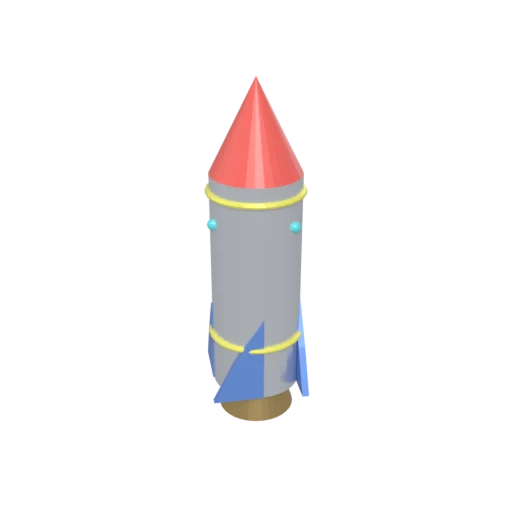
Stylized rocket with metallic body, nose cone, fins, portholes, and exhaust nozzle — multi-material 3MF model for format conversion testing.
glTF separates the scene description (JSON) from binary buffers and textures, allowing selective updates without repacking the entire file.
3MF defines basic colors and material groups for printing. glTF supports metallic-roughness PBR materials for physically accurate real-time rendering.
glTF is maintained by the Khronos Group and supported by all major 3D tools, web frameworks, and game engines as the standard runtime delivery format.
Other ways to get GLTF
How to Convert 3MF to GLTF
Convert 3D printing files into the open, inspectable glTF JSON format.
Upload 3MF
Drag and drop or select your .3mf file. 3MF is a ZIP-based archive that stores mesh geometry and material data in XML documents.
Processing
Conversion runs entirely in your browser. Geometry and materials are extracted from the 3MF archive, upgraded to PBR, and written as a glTF JSON manifest with binary buffers. Your data never leaves your device.
Download glTF
Get your glTF files as a ZIP archive containing the JSON manifest and binary resources. The format is easy to inspect and loads natively in web viewers and game engines.
Why convert 3MF to glTF?
3MF was designed by the 3MF Consortium for 3D printing communication between CAD tools and slicers. Its XML-in-ZIP structure stores mesh data, build layouts, material assignments, and print settings. However, web browsers, game engines, and visualization platforms do not support 3MF, limiting its use to the manufacturing pipeline.
glTF, designed by the Khronos Group, uses a compact JSON manifest referencing external binary buffers and textures. This architecture enables selective updates, efficient streaming, and easy version control. glTF supports PBR materials, skeletal animation, and morph targets, and is natively supported by three.js, Babylon.js, Unity, Unreal Engine, and Blender. Converting 3MF to glTF brings manufacturing models into the broader ecosystem of interactive 3D applications.
Key advantages of glTF over 3MF
glTF's flat JSON structure is easy to inspect compared to 3MF's zipped XML.
Separate buffers and textures can be updated independently without repacking.
glTF's metallic-roughness model replaces 3MF's basic color and material groups.
JSON text works well with Git and diff tools for collaborative workflows.
glTF is supported by every major 3D framework and game engine.
glTF was designed specifically for efficient web and real-time content delivery.