Convert STL to GLTF Online
Convert STereoLithography (STL) files to GL Transmission Format (glTF), entirely in your browser. No upload, no sign-up. Your files never leave your device.
Drop your STL file here
or click to browse from your computer (up to 100 MB)
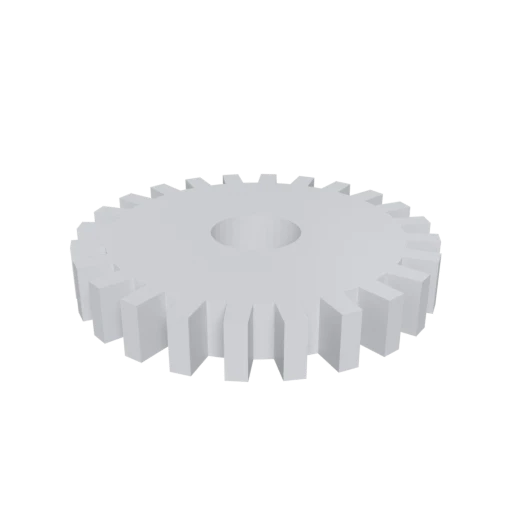
Simple mechanical part, a typical STL use case for 3D printing.
glTF stores the scene description as human readable JSON, so you can inspect nodes, materials, and structure with any text editor or scripting tool.
STL carries no material or color information at all. glTF supports full physically based rendering materials, letting you add realistic surface appearance after conversion.
glTF is maintained by the Khronos Group and ratified as ISO/IEC 12113:2022. It is the most widely adopted open format for real time 3D across web, AR, and game engines.
Other ways to get GLTF
How to Convert STL to GLTF
One file is all you need. No companion files, no textures to manage.
Upload STL
Drag and drop or select your .stl file. STL is a single-file format with no external dependencies; one file is all you need.
Processing
Conversion runs entirely in your browser. The triangle mesh is extracted from your STL and restructured into the glTF scene graph with a default material applied. Your data never leaves your device.
Download glTF
Get your ready to use glTF file set, including the .gltf JSON document and any associated .bin buffer files packaged in a ZIP archive.
Why convert STL to glTF?
STL was created by 3D Systems in 1987 for stereolithography machines and remains the dominant format in 3D printing and CAD manufacturing. It stores a flat list of triangles defined by vertex coordinates and face normals, with no support for color, textures, materials, animation, or scene hierarchy. This simplicity is an advantage on the print bed, but a serious limitation when you need to visualize, share, or integrate a model into modern digital workflows.
Converting to glTF transforms that bare geometric shell into an editable, standards-backed 3D asset. The glTF format separates the scene description into readable JSON, making it straightforward to add materials, adjust node hierarchies, or feed the model into automated build pipelines. Because glTF is the Khronos Group open standard adopted by companies like Microsoft, Adobe, and Meta, your converted file works across web browsers, AR platforms, game engines, and 3D tools without compatibility friction.
Key advantages of glTF over STL
The JSON scene description can be opened, searched, and edited in any text editor.
glTF supports physically based rendering for realistic, consistent visuals across engines.
glTF handles skeletal animation and morph targets, whereas STL is strictly static geometry.
glTF organizes objects in a parent-child node graph instead of STL's flat triangle list.
Text based JSON diffs cleanly in Git, making collaborative 3D workflows practical.
glTF is supported natively by all major browsers, AR platforms, and real time engines.