Convert OBJ to GLTF Online
Convert Wavefront OBJ files to GL Transmission Format (glTF), entirely in your browser. No upload, no sign-up. Your files never leave your device.
Drop your OBJ files here
Select your .obj file along with its .mtl and texture files (up to 100 MB)
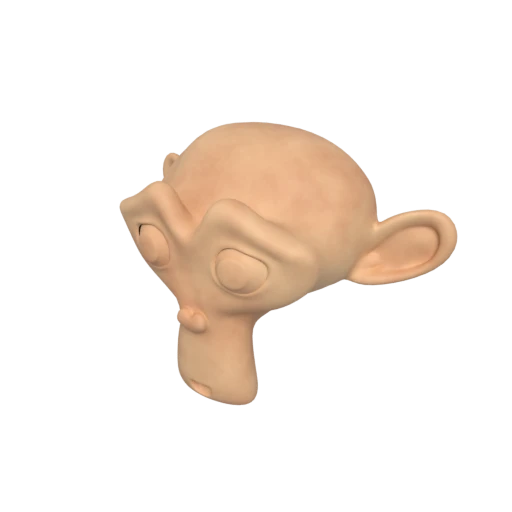
Suzanne with baked texture — demonstrates OBJ + MTL + texture conversion.
OBJ relies on the legacy Phong shading model defined in .mtl files. glTF uses physically based rendering for realistic, consistent lighting across all viewers.
OBJ stores flat, static geometry. glTF adds a full scene graph with node parenting, skeletal animation, morph targets, and camera definitions.
glTF 2.0 is maintained by the Khronos Group and ratified as ISO/IEC 12113:2022, ensuring long term interoperability across platforms and engines.
Other ways to get GLTF
How to Convert OBJ to GLTF
Upload your .obj, .mtl, and textures together for a complete conversion.
Upload OBJ + Materials
Drag and drop your .obj file along with its companion .mtl file and any referenced texture images. OBJ models typically rely on separate files for materials and textures. Include them all so nothing is lost.
Processing
Conversion runs entirely in your browser. Geometry from the .obj, materials from the .mtl, and linked textures are parsed and output as a glTF JSON file with separate binary and image assets.
Download glTF
Get your ready to use glTF files immediately. The result includes a .gltf scene file, a .bin geometry buffer, and any texture images, packaged for direct use in 3D engines and viewers.
Why convert OBJ to glTF?
OBJ is an open ASCII text format developed by Wavefront Technologies in the early 1990s. It is universally supported by 3D authoring tools like Blender, Maya, and 3ds Max, but it stores geometry as verbose plain text, requires a separate .mtl companion file for Phong materials, and has no support for animation, scene hierarchy, or units. These limitations make it cumbersome for modern real time applications and web delivery.
glTF 2.0, developed by the Khronos Group and standardized as ISO/IEC 12113:2022, is designed specifically for efficient transmission and loading of 3D content. Its JSON based scene description is both machine parseable and human readable, while binary buffers store vertex and index data compactly. PBR materials, animations, and a full scene graph replace OBJ's flat geometry and legacy shading. Converting OBJ to glTF brings your assets into the modern 3D ecosystem while keeping individual files inspectable and editable.
Key advantages of glTF over OBJ
Physically based rendering replaces OBJ's legacy Phong shading with accurate, cross platform lighting.
The scene graph is stored as plain JSON, making it easy to inspect, diff, and edit with any text editor.
glTF supports skeletal animation, morph targets, and keyframe tracks that OBJ cannot represent at all.
Nodes can be parented, transformed, and grouped, replacing OBJ's flat list of named objects.
Ratified as ISO/IEC 12113:2022, glTF offers strong long term interoperability guarantees.
Three.js, Unity, Unreal Engine, Godot, and Babylon.js all load glTF natively without plugins.