Convert PLY to OBJ Online
Convert Polygon File Format (PLY) files to Wavefront OBJ, entirely in your browser. No upload, no sign-up. Your files never leave your device.
Drop your PLY file here
or click to browse from your computer (up to 100 MB)
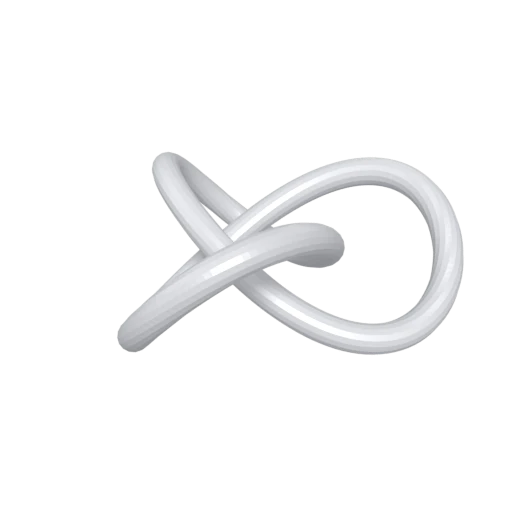
Trefoil knot mesh demonstrating PLY format conversion.
OBJ is one of the oldest and most universally supported 3D file formats. Converting PLY to OBJ ensures your geometry can be opened in virtually every 3D modeling, rendering, and CAD application.
The output includes an .mtl companion file that defines basic material properties such as diffuse color, specularity, and texture references. This gives your converted PLY geometry a material structure that PLY itself cannot express.
OBJ files are plain text, making them easy to inspect, debug, and process with scripts or command line tools. Every vertex, face, and normal is readable in any text editor.
Also convert from PLY
Other ways to get OBJ
How to Convert PLY to OBJ
Drop your PLY file and get a ready to use OBJ in seconds.
Upload PLY
Drag and drop or select your .ply file. PLY is a single file format, so one file is all you need regardless of ASCII or binary encoding.
Processing
Conversion runs entirely in your browser. Vertex positions, normals, and colors are extracted from the PLY and written into an OBJ file with an accompanying MTL material definition. Your data never leaves your device.
Download OBJ
Get your ZIP archive containing the .obj and .mtl files immediately. Extract and open in any 3D application that supports Wavefront OBJ.
Why convert PLY to OBJ?
PLY (Polygon File Format) was created at the Stanford Computer Graphics Laboratory in the mid 1990s to store 3D scan data. Its extensible header supports custom per vertex properties like color, confidence, and scalar fields, making it a standard in photogrammetry, LiDAR, and academic research. MeshLab, CloudCompare, and many scanning pipelines use PLY as their native format. Despite its flexibility for raw data, PLY offers no material system, no texture mapping, and no scene hierarchy.
Wavefront OBJ, introduced in the 1990s, is one of the most widely supported 3D file formats in existence. Its plain text ASCII structure stores vertices, texture coordinates, normals, and polygon faces, while a companion .mtl file defines materials and texture references. Nearly every 3D modeling tool, renderer, and game engine can import OBJ without plugins. Converting PLY to OBJ gives your scan data a format that integrates smoothly into almost any production, visualization, or prototyping workflow.
Key advantages of OBJ over PLY
OBJ can be opened in virtually every 3D application, from Blender and Maya to CAD tools and web viewers.
The .mtl companion file defines diffuse, specular, and texture properties that PLY cannot represent.
OBJ supports UV mapping for applying image textures to surfaces, a feature absent in PLY.
OBJ files are human readable ASCII, making them easy to inspect, parse, and modify with scripts.
The OBJ format has remained unchanged for decades, ensuring files remain readable far into the future.