Convert PLY to 3MF Online
Convert Polygon File Format (PLY) files to 3D Manufacturing Format (3MF), entirely in your browser. No upload, no sign-up. Your files never leave your device.
Drop your PLY file here
or click to browse from your computer (up to 100 MB)
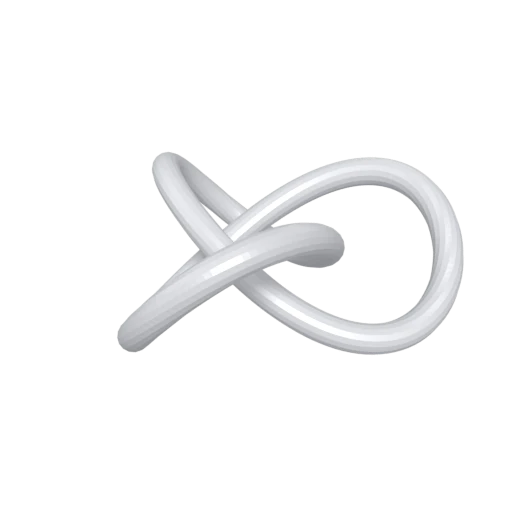
Trefoil knot mesh demonstrating PLY format conversion.
PLY files are commonly produced by 3D scanners and photogrammetry software. Converting to 3MF creates a slicer-ready file from your scan data, connecting capture and physical reproduction on a 3D printer.
PLY's per-vertex color data is mapped to 3MF's per-triangle color definitions during conversion. Scanned color information carries through to multi-color printers without manual material assignment in your slicer.
PLY has no built-in concept of measurement units, so models can arrive at unpredictable scales. 3MF defines geometry in millimeters by specification, giving your slicer an unambiguous physical size for the printed object.
Also convert from PLY
Other ways to get 3MF
How to Convert PLY to 3MF
Turn your PLY scan data into a print-ready 3MF, entirely client-side with no upload required.
Upload PLY
Drag and drop or select your .ply file. Both ASCII and binary PLY variants are supported, including files with vertex colors.
Processing
Conversion runs entirely in your browser. Vertex positions, normals, and colors are read from the PLY file and repackaged into the 3MF XML structure. Your data never leaves your device.
Download 3MF
Get your .3mf file ready for slicing. Open it in Cura, PrusaSlicer, BambuStudio, or any slicer that supports 3MF to prepare your print.
Why convert PLY to 3MF?
PLY (Polygon File Format), also known as the Stanford Triangle Format, was created by Greg Turk and others at Stanford University in the mid-1990s for storing data from 3D scanners and range finders. The format supports both ASCII and binary encoding, with a flexible header that allows arbitrary per-element properties such as vertex positions, normals, colors, and confidence values. PLY remains popular in academic research, photogrammetry, and scanning applications. However, it has no concept of measurement units, print settings, or multi-part assemblies, making it unsuitable for direct use in manufacturing workflows.
3MF (3D Manufacturing Format) was introduced in 2015 by the 3MF Consortium, whose founding members include Microsoft, HP, Autodesk, and Stratasys. The format stores triangle meshes, per-triangle colors, named components, and build plate metadata inside a ZIP-based OPC package. Converting PLY to 3MF transforms raw scan data into a structured manufacturing file. Vertex colors become per-face color assignments, geometry is stored in millimeters by specification, and the result is importable by every major slicer without any intermediate conversion steps.
Key advantages of 3MF over PLY for 3D printing
3MF is the preferred import format for Cura, PrusaSlicer, and BambuStudio, whereas PLY requires conversion or plugin support in most slicers.
3MF specifies geometry in millimeters by default, while PLY files carry no unit information and can arrive at unpredictable scales.
PLY stores colors per vertex, but 3MF assigns colors per triangle, producing sharper color boundaries for multi-color printers.
3MF can store part placement, orientation, and print settings on the build plate, concepts that PLY's simple property list cannot express.
3MF packages geometry in a compressed archive, producing substantially smaller files than PLY's ASCII or even binary encoding.